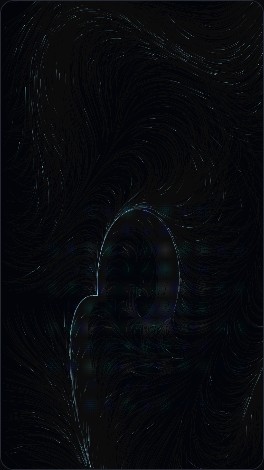
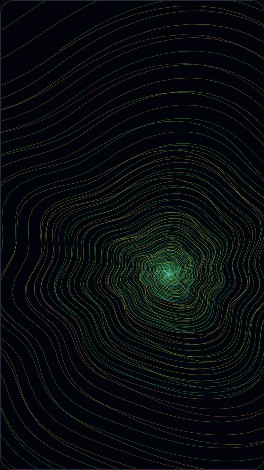
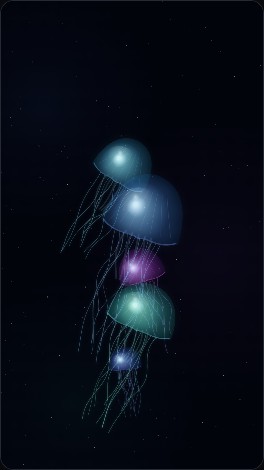
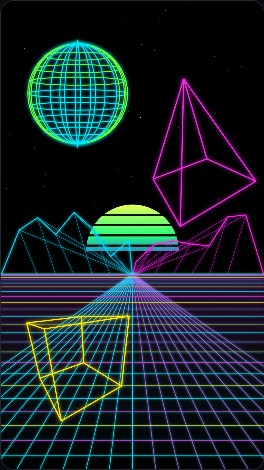
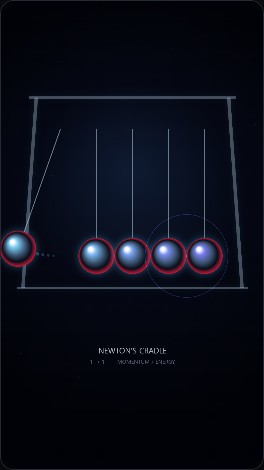
Small generative programs that create continuously evolving artwork, with the intention of rendering the results to MP4 for playback on the EO1 display.
The EO1 can display static images directly, but its original Android 4.4.2 hardware is not fast enough to render these HTML5 Canvas animations smoothly in real time. EO1-Museum therefore uses a PC as the rendering environment: the generative artwork runs in Chromium at the EO1's native portrait resolution of 1080 × 1920, is captured as video, and is converted to an H.264 MP4 for playback on the EO1.
The source HTML artworks and the rendering script are kept in the
art/ directory of the EO1-Museum repository.
The renderer itself is
art/render_art.py.
HTML / JavaScript artwork
        ↓
Chromium (1080 × 1920)
        ↓
render_art.py
        ↓
temporary WebM capture
        ↓
FFmpeg
        ↓
H.264 / yuv420p MP4
        ↓
EO1-Museum /art playback
Rendering requires Python, Playwright, Chromium, and FFmpeg. Install Playwright and its Chromium browser with:
pip install playwright
python -m playwright install chromium
FFmpeg must also be installed and available from the command line. Its installation can be checked with:
ffmpeg -version
Once these tools are available, render_art.py uses Playwright
to launch headless Chromium, runs the HTML artwork at 1080 × 1920,
captures the animation, and uses FFmpeg to produce an H.264 MP4 file
suitable for playback on the EO1.
Run the renderer from the art/ directory, giving it an HTML artwork
and an output MP4 file. For example, the source for Collision Trails is
EO1_Collision_Trails_Glass_Spheres.html.
python render_art.py EO1_Collision_Trails_Glass_Spheres.html -o EO1_Collision_Trails_Glass_Spheres.mp4 -d 300
Here -d 300 renders five minutes of animation. The resulting MP4
is intended for transfer to the EO1's /sdcard/EO1-Museum/art/
directory, where the native EO1-Museum app can play the rendered works in
randomized sequence.
For artworks that expose interactive controls, --preview opens the
artwork in preview mode and --set ID=VALUE sets control values before
recording. Multiple --set options may be supplied.
python render_art.py EO1_Collision_Trails_Glass_Spheres.html -o EO1_Collision_Trails_Glass_Spheres.mp4 -d 300 --preview --set balls=12 --set speed=80 --set size=16 --set trail=97
All of the HTML sources shown above are available directly in the repository: